Bring the coding agentsyou already pay forinto one workspace.
Palisade is a workspace for coding agents that use the Agent Client Protocol (ACP). Run tasks in parallel with isolated Git worktrees, then edit, preview, and review their changes in one app.
v0.4.1 · 450 MB universal .dmg · macOS 11 or later
Free and open source
Apache 2.0
Apple Silicon and Intel
Works with any agent that speaks the Agent Client Protocol
Claude Code
Codex
Gemini CLI
GitHub Copilot
Cursor
Goose
OpenCode
Qwen Code
Amp
Junie
Kilo
Cline
Claude Code
Codex
Gemini CLI
GitHub Copilot
Cursor
Goose
OpenCode
Qwen Code
Amp
Junie
Kilo
Cline
Why Palisade
Your editor should not pick your agent for you.
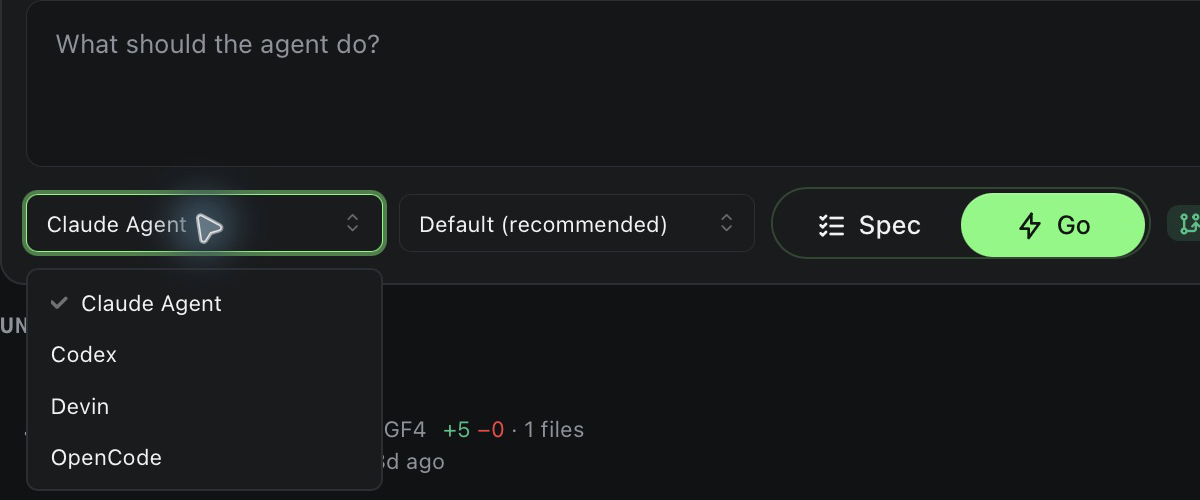
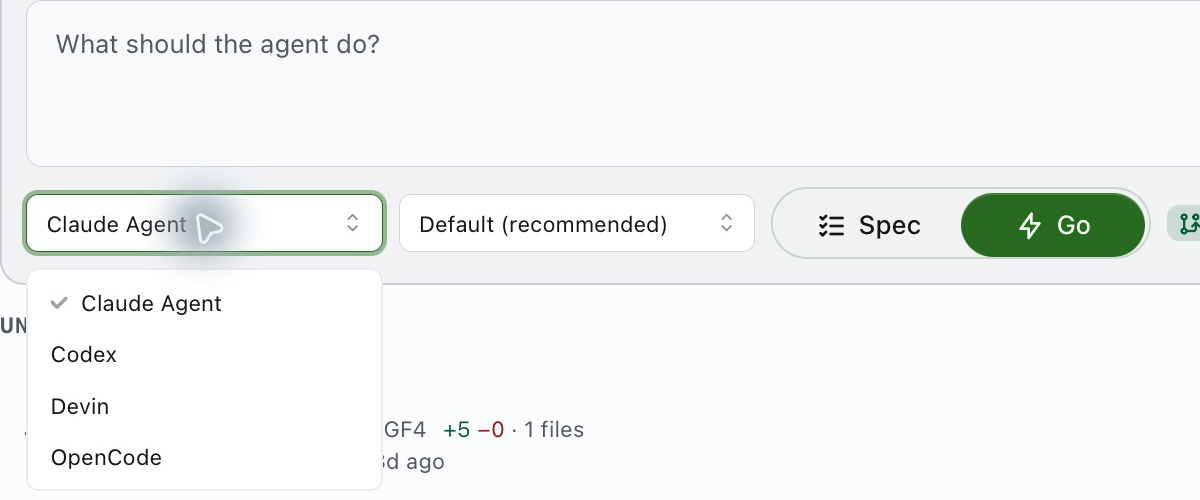
Palisade lets you choose an agent for each thread and use your existing provider account. Review parallel tasks in one place, with verification results beside each diff.
The agent the IDE ships withClaude Code, Codex, or any ACP agent, chosen per thread
Credits or requests metered by the IDEYour own Claude or ChatGPT plan, with no Palisade bill
One chat editing your working treeParallel threads with isolated Git worktrees enabled by default
Done when the model says it is doneVerification results recorded at a specific commit
Fleet
Every agent on one board.
Start a thread, pick an agent, and move on. The fleet board shows what is running, what finished and what needs you, across every open project.
Needs attention, running, unreviewed and idle at a glance
Diff stat, verify result and file overlap on every row
⌘⇧U jumps to the next thread waiting for review
Spec, then Go
Agree on the plan before a line changes.
Spec mode limits edits to planning documents in OpenSpec, a file-based format for proposals, decisions, and tasks. Agree on the change, then switch to Go to build it.
Permissions locked down while you plan
Proposals render as documents you can edit
Go keeps the conversation and its decisions
Review
Green means a command passed.
Name a verify command once, like your test script. Palisade runs it at the thread's commit and puts the result next to the diff before you merge.
File-by-file diff with viewed state
Evidence pinned to a commit hash, not a chat message
Merge checks verification first; bypass requires an explicit override
Playbooks
Chain agents with gates between them.
Let Claude Code plan, Codex implement and Claude Code verify, with a test run or your approval on every handoff. Save the graph and run it again from any thread.
Verify and human approval gates on any edge
Iteration caps, timeouts and crash retries
Every node's transcript stays inspectable
Workbench
The rest of the IDE is still here.
Drop into any thread's worktree when you want your hands on the code.
Preview
A native browser per project that opens the localhost URL your agent's dev server prints.
Local completion
Code suggestions at your cursor from a bundled local model. Your code stays on your Mac for completion.
Terminals and git
Interactive terminals, staging selected parts of a diff, branches, history, and change attribution.
MCP
Model Context Protocol servers give agents access to tools and data. Configure them per project in .mcp.json.
Databases
Browse Postgres and SQLite, run SQL and apply row edits in a transaction.
Notebooks
Run Jupyter cells on local kernels without leaving the thread.
Get started
From download to your first thread.
01
Install Palisade
One universal .dmg for macOS 11 and later. Signed, notarized and self-updating.
Open the agent picker and choose Add an agent. Palisade fetches the agent on first use; follow its sign-in flow. Node.js or another required runtime must be installed.
03
Start threads
Open a project, describe the change, choose Spec or Go. Start the next one while the first runs.
Palisade is free and open source under Apache 2.0. Agents use their own accounts. Depending on the agent, you may need a subscription or pay for API usage with Anthropic, OpenAI, or another provider.
Which agents does it support?
Palisade discovers agents from the Agent Client Protocol (ACP) registry, including adapters for Claude Code and Codex. Available models, sign-in methods, and tools vary by agent.
How is this different from Cursor, Windsurf or Kiro?
Palisade focuses on supervising multiple ACP agents with your own provider accounts. Its Fleet board groups tasks by status, and its Review lane records verification at a commit before merge. See the Compare page for documented differences.
Do I need to change how I use Claude Code or Codex?
Palisade uses ACP adapters and the agent's own sign-in flow. Support for existing CLI settings and skills varies by adapter. You can keep using the CLIs in a terminal alongside it.
How does verify work?
Configure project checks such as pnpm test. Palisade records each result at a commit. Merge runs any checks without current passing evidence and stops on failure, unless you explicitly choose Merge anyway.
Can agents step on each other?
Isolated worktrees are enabled by default for Go tasks, so agents can edit separate copies of the repository. You can turn isolation off. Spec mode writes planning documents in the project root, and overlapping changes can still cause merge conflicts.
Is my code uploaded anywhere?
Local completion runs on your Mac. Agents and MCP servers may send code to their services. Palisade also uses the network for registries, agent and model downloads, Git remotes, and app updates.
Does it run on Windows or Linux?
Not yet. Palisade ships one universal build for macOS 11 and later, on Apple Silicon and Intel. Follow the GitHub issues for other platforms.
Agents write the code. Your tests decide what ships.
Download Palisade, open a project and start your first two threads side by side.

 Claude Code
 Codex
Codex Gemini CLI
 GitHub Copilot
 Cursor
 Goose
Goose OpenCode
 Qwen Code
 Amp
Amp Junie
Junie Kilo
Kilo Cline
Cline